
Guide
Read the proof of delivery
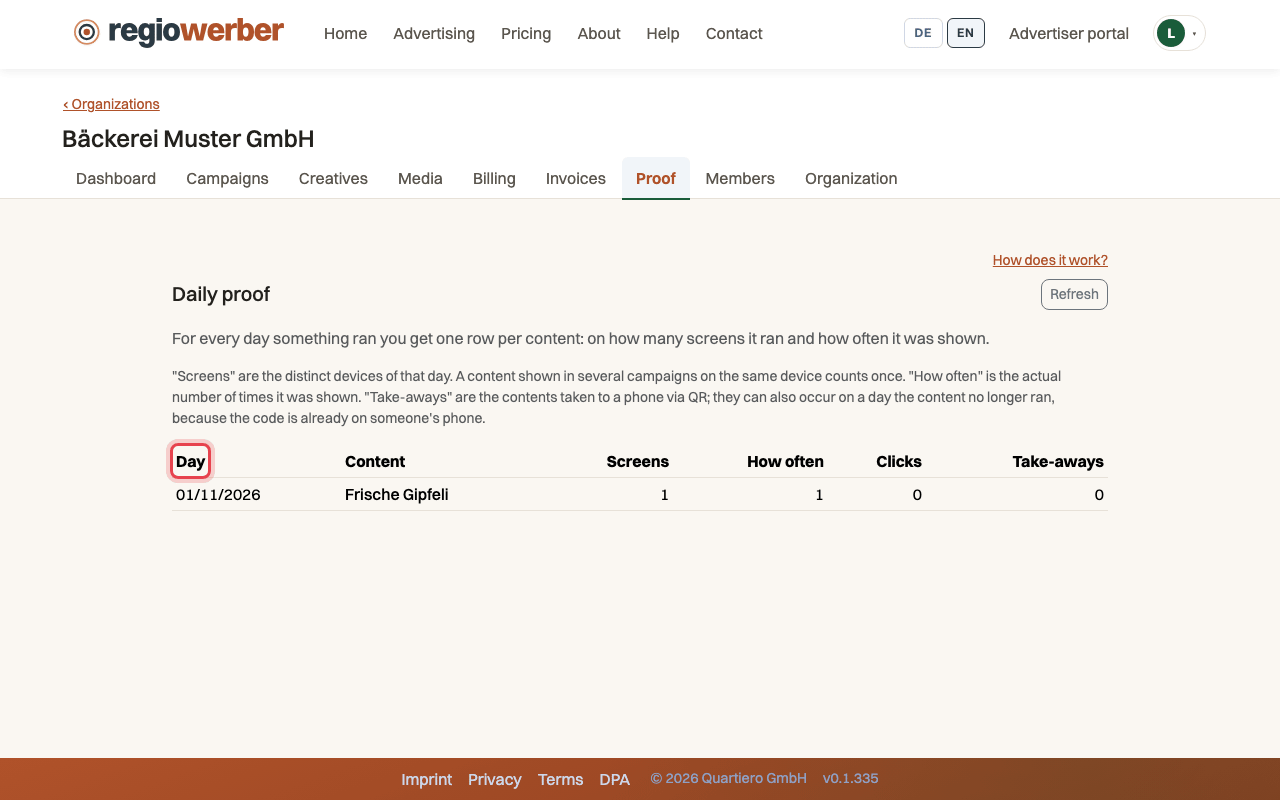
The proof is created automatically per day and creative. It shows on how many screens your advertising ran, how often it was shown and what was taken away from it.
Back to help
As a video
The video has no sound, the steps appear in it as subtitles.
Step by step
Step 1: Open the “Proof” tab.
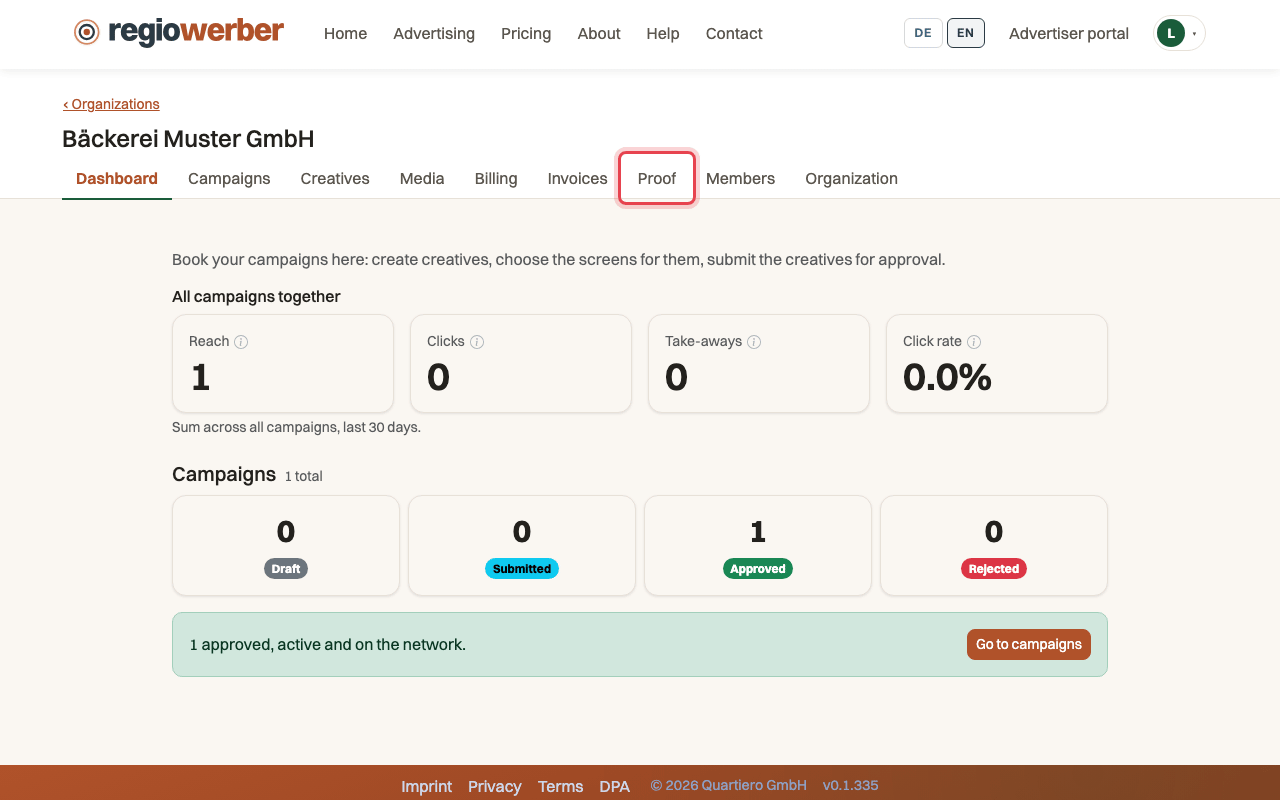
Step 2: Each day and creative has a row, “Screens” counts the devices of that day.
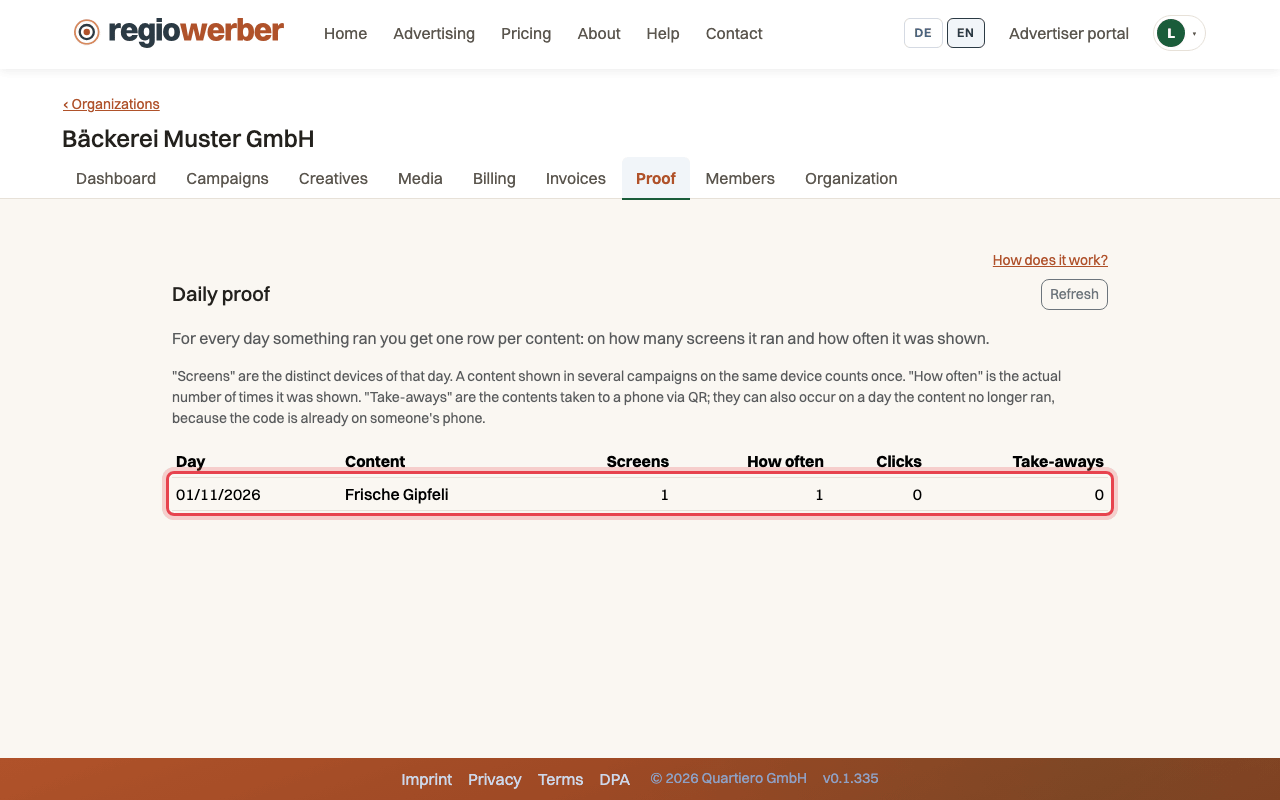
Step 3: “How often” is the number of actual impressions on the screen.
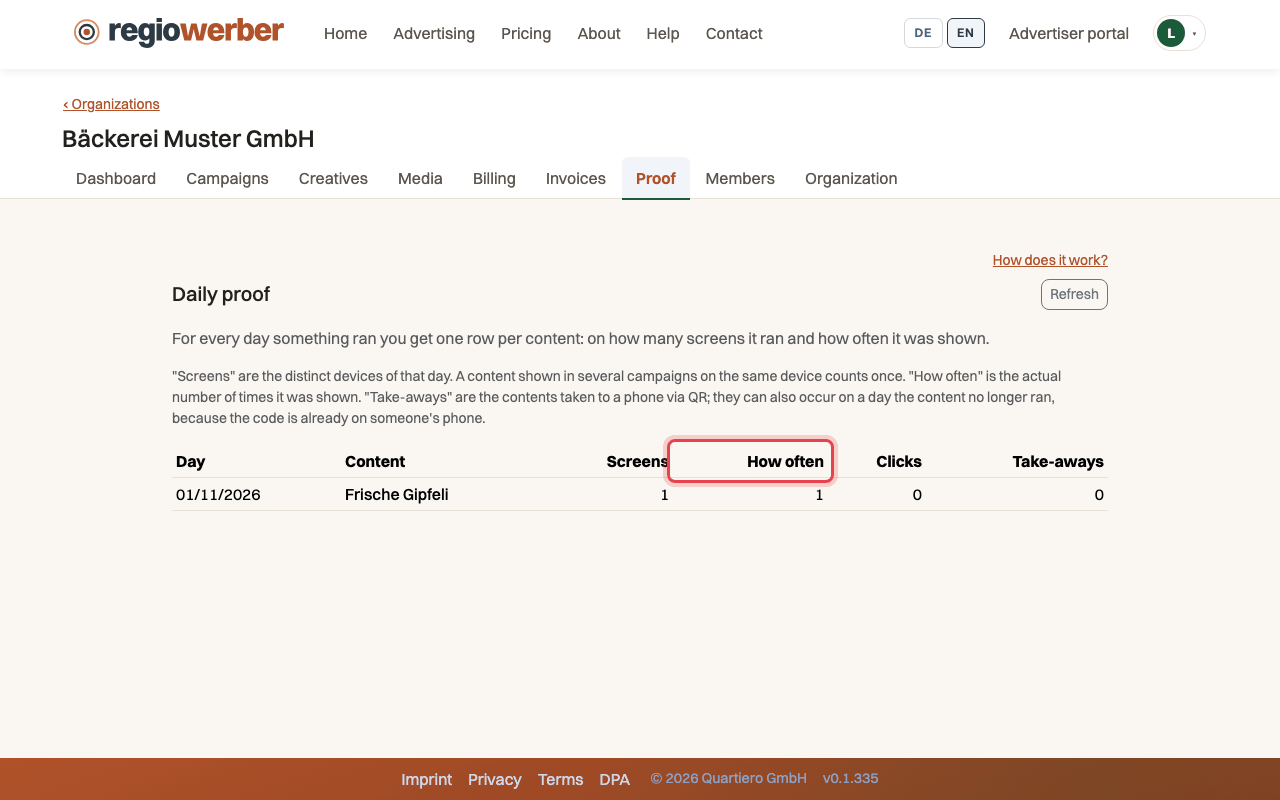
Step 4: “Take-aways” counts the creatives taken to a phone by QR code.
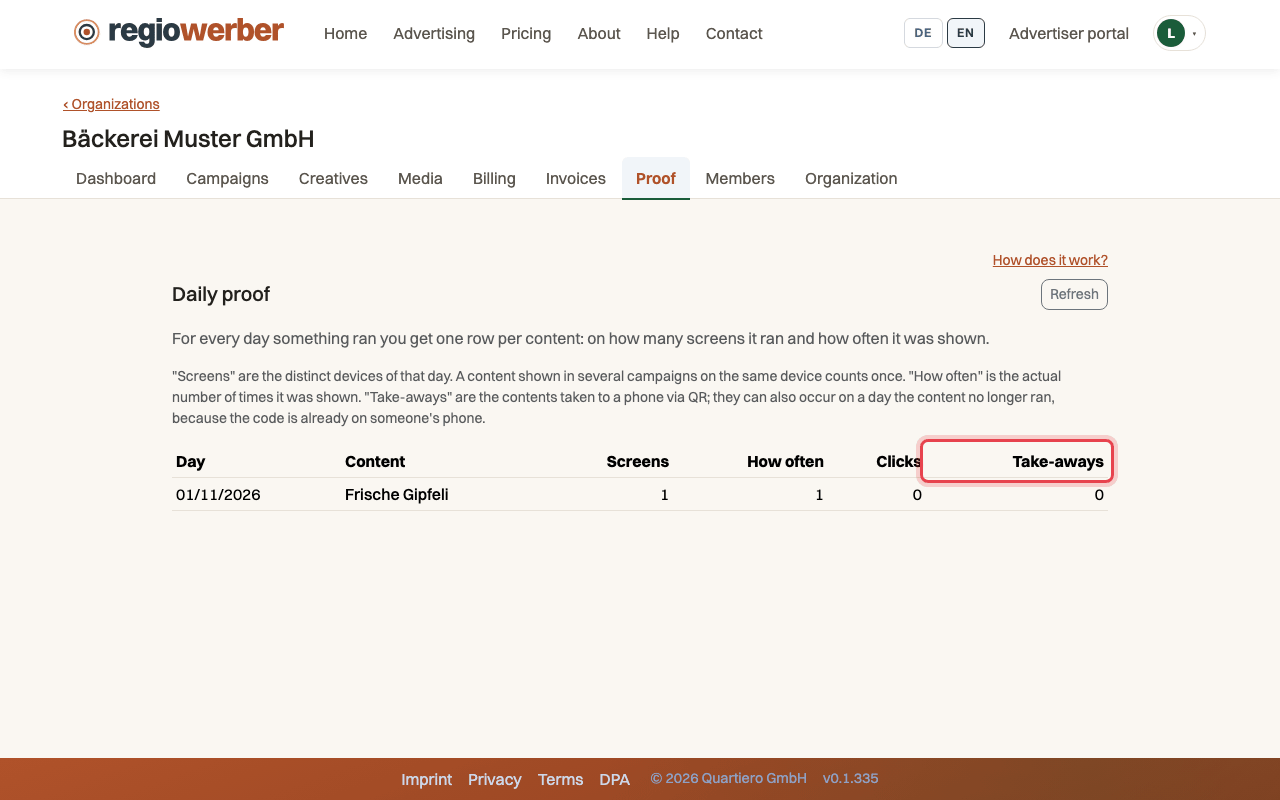
Step 5: Clicking a column header sorts the table.
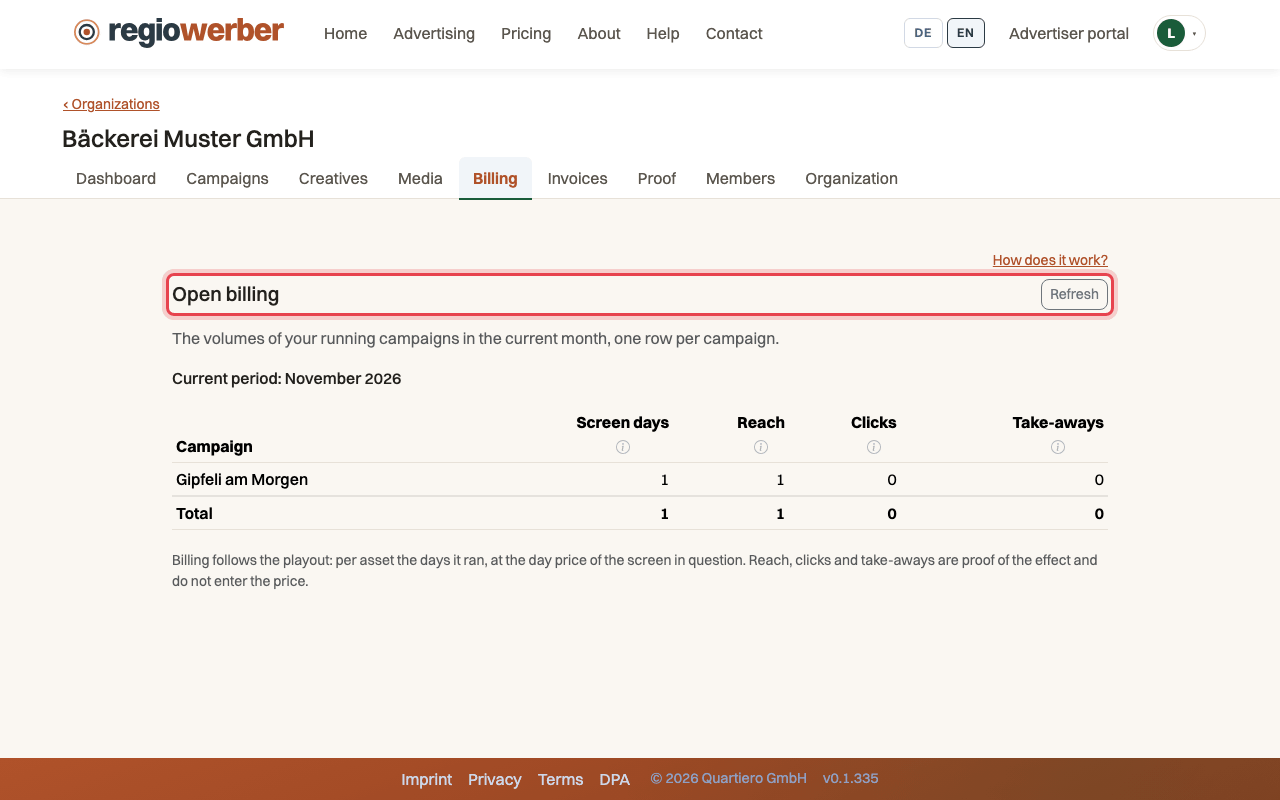
Step 6: The “Billing” tab shows the screen days of the month per campaign.
Stuck at some point? Then write through the contact page. Go to contact